CC Studio is a free Windows app for the Elegoo Centauri Carbon running OpenCentauri. Design your own boot animation and logo, recolour the whole touchscreen interface in any colour, and put everything back to stock with one click.

No flashing, no firmware swaps. CC Studio talks to your printer over SSH, uploads your files to the places the screen reads them from, and reboots it. Everything stock stays safely in the printer's read-only layer, so it can always be restored.
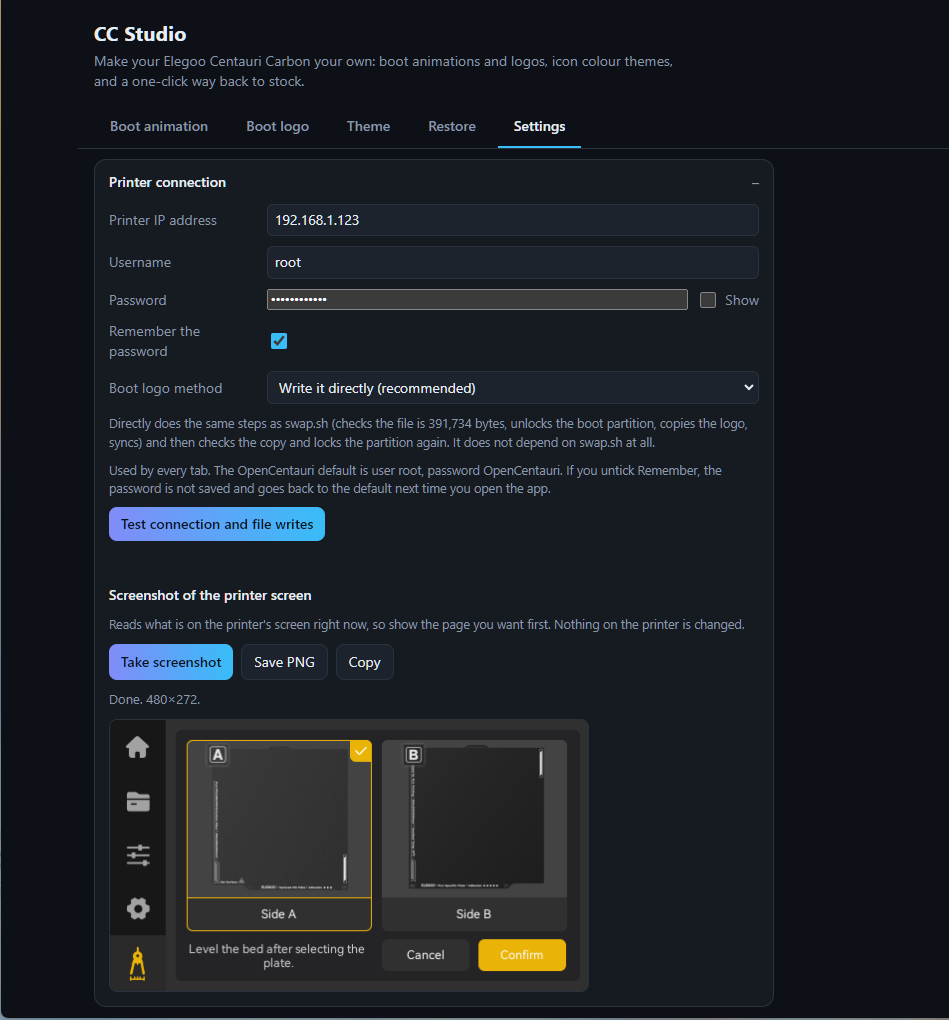
Enter your printer's IP address in Settings (the password is OpenCentauri's default) and press Test connection. If anything is off, Fix sorts it.
Make a boot animation, pick a boot logo, or choose a theme colour. Every tab shows a live preview before anything touches the printer.
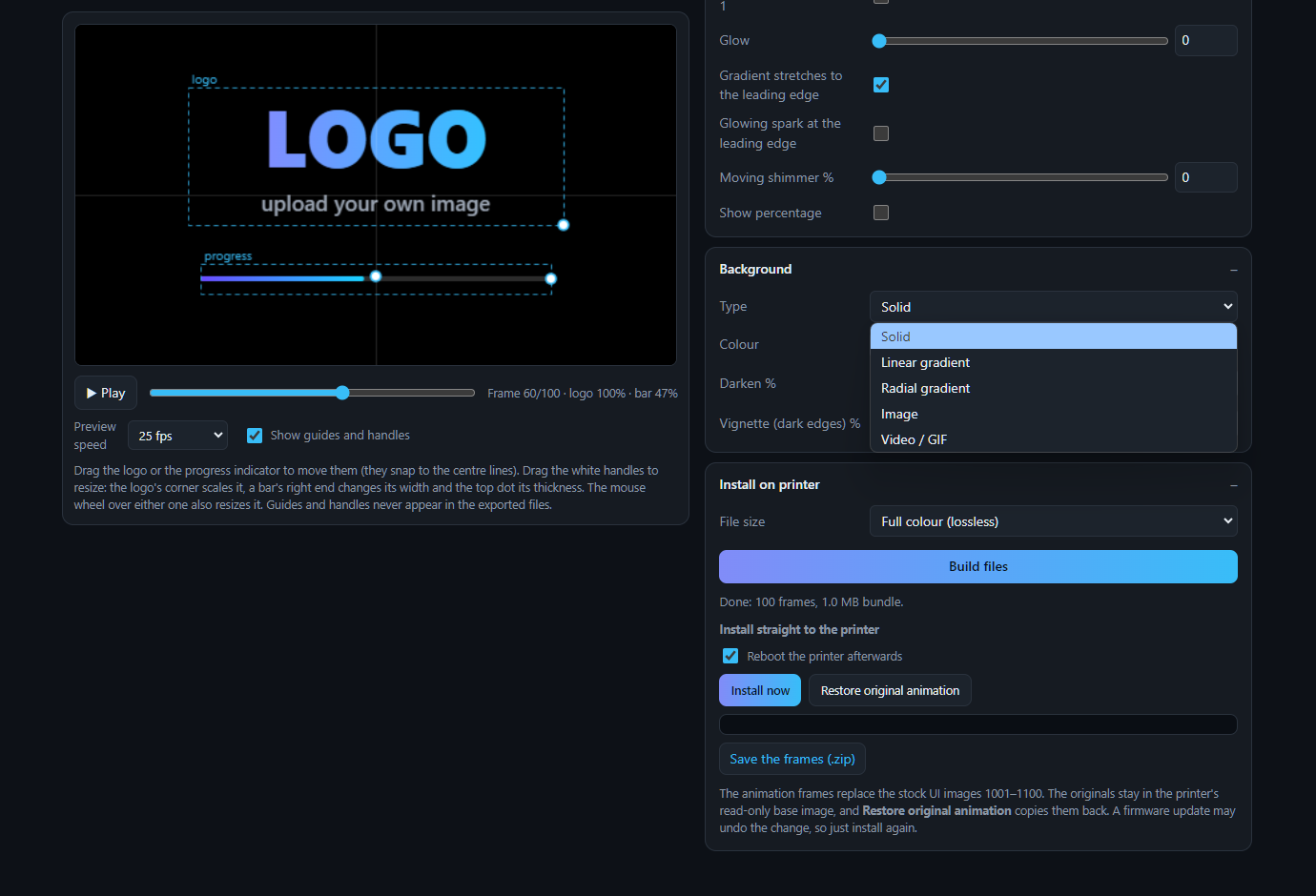
Press Install now. CC Studio uploads, checks and (optionally) reboots your printer. Don't like it? The Restore tab undoes it all.
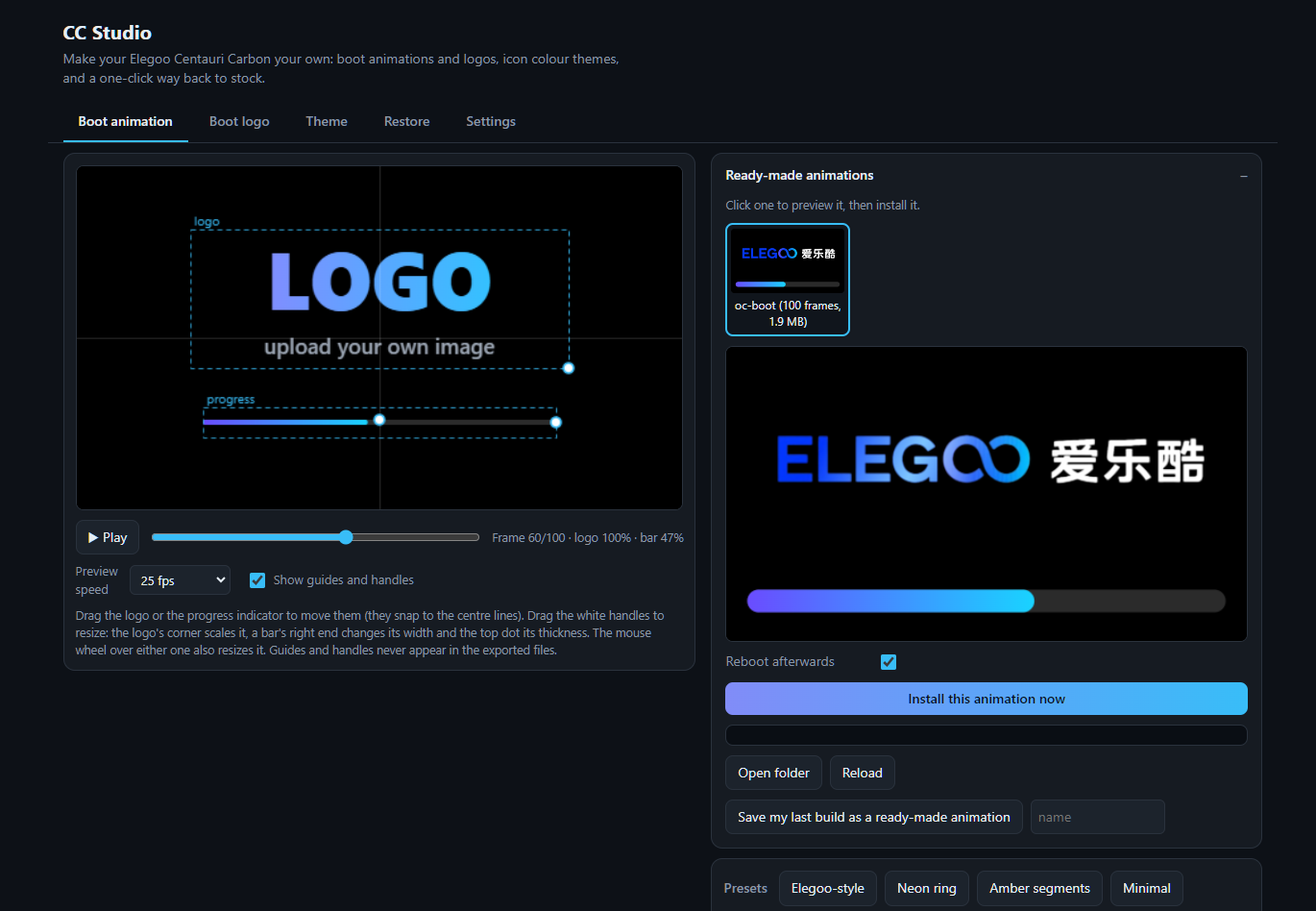
Turn any video, GIF or set of pictures into the 100-frame animation shown while the printer starts.


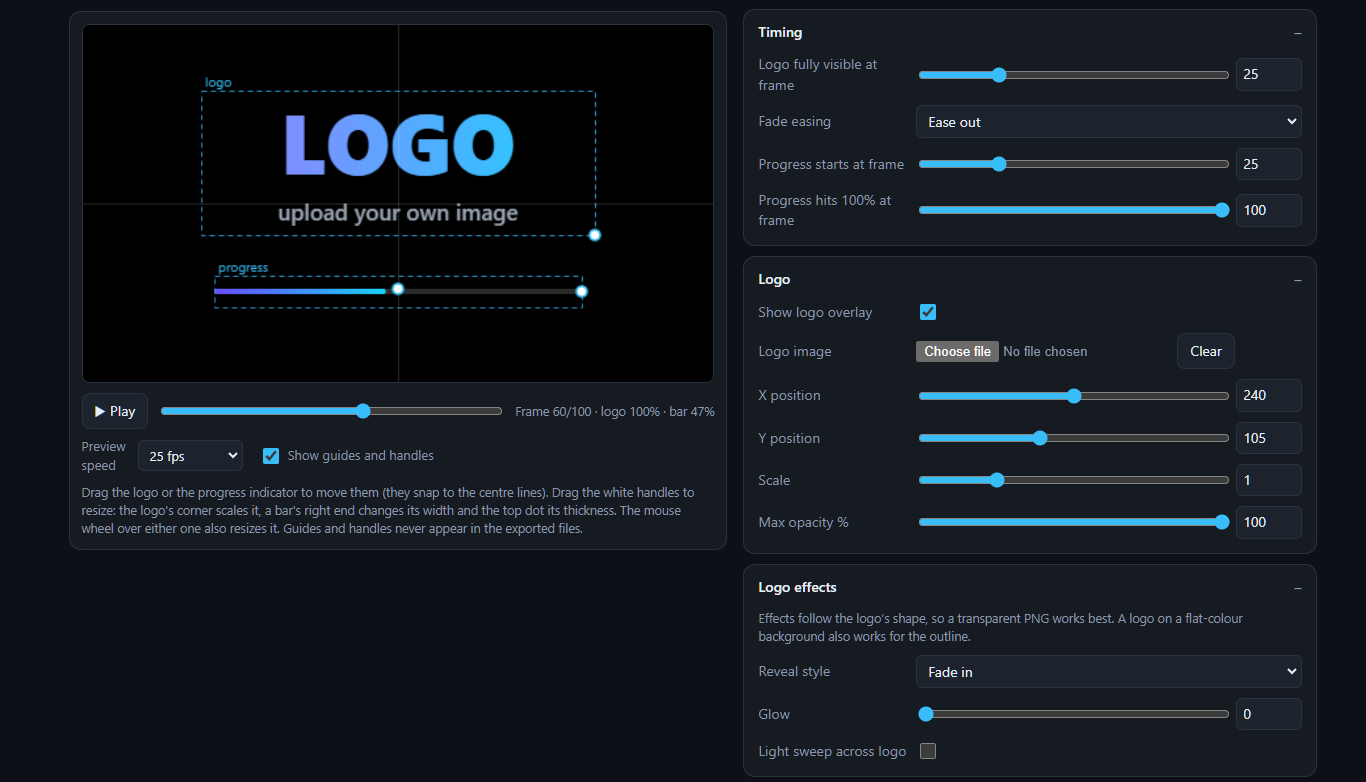
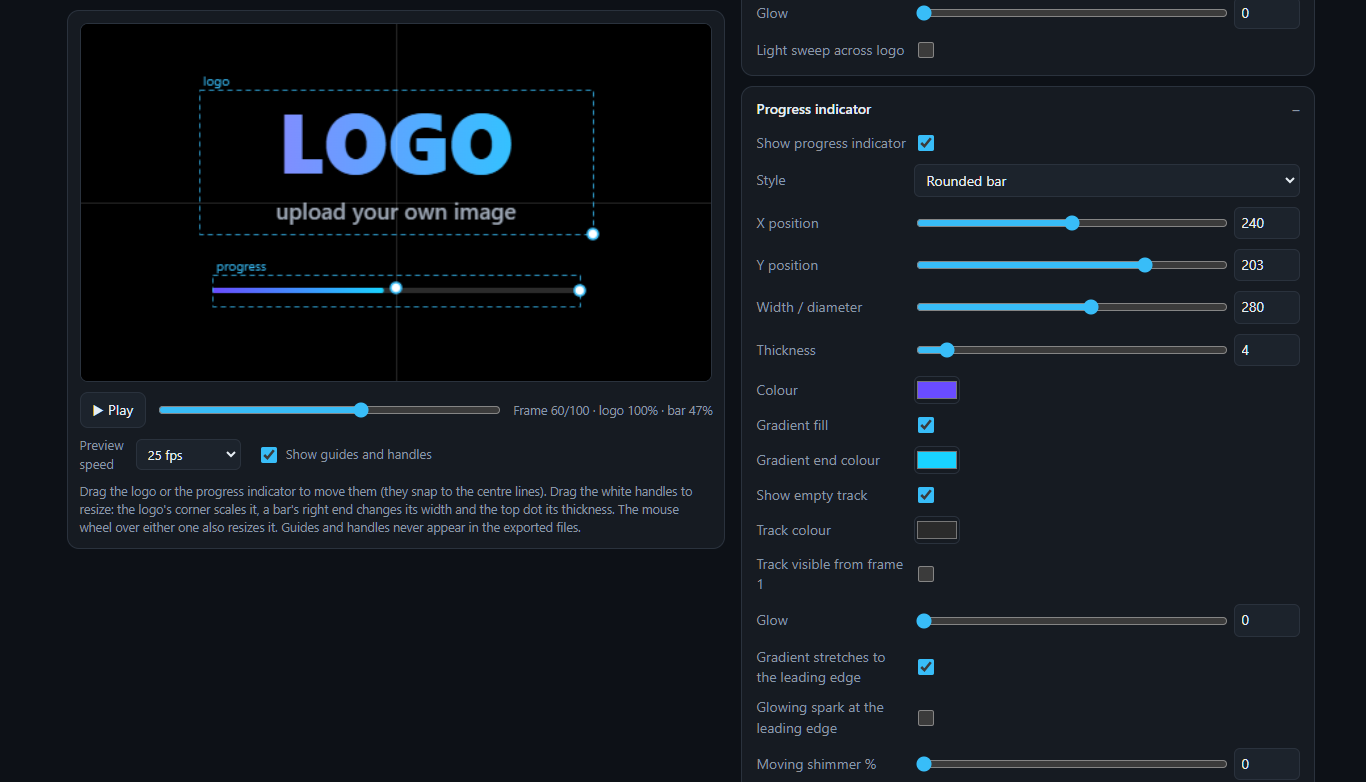
Timing, progress bar and background controls, all with live preview.
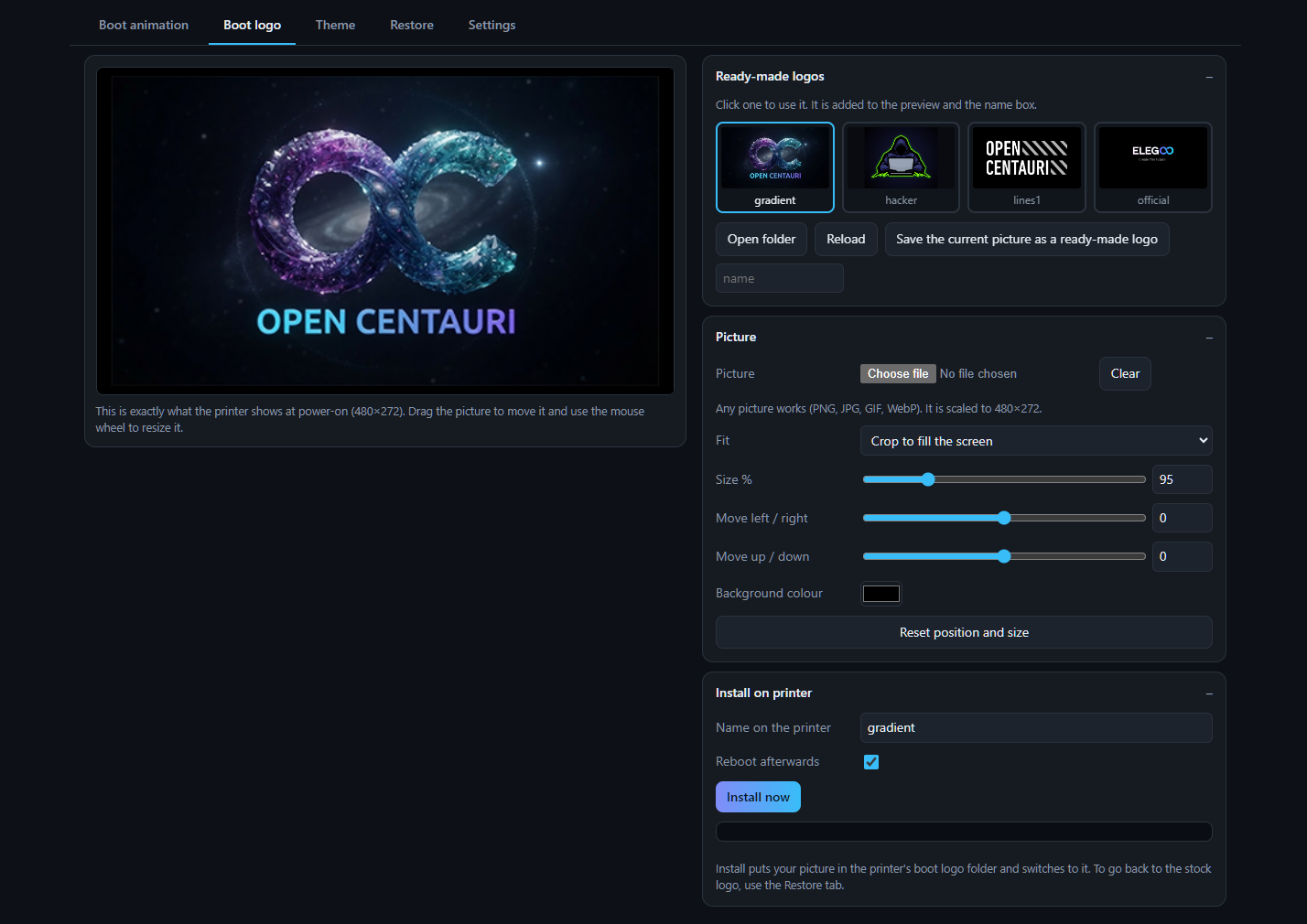
Pick a ready-made logo or load your own picture. CC Studio crops and converts it to the exact format the printer needs (24-bit 480×272 BMP), then installs it.

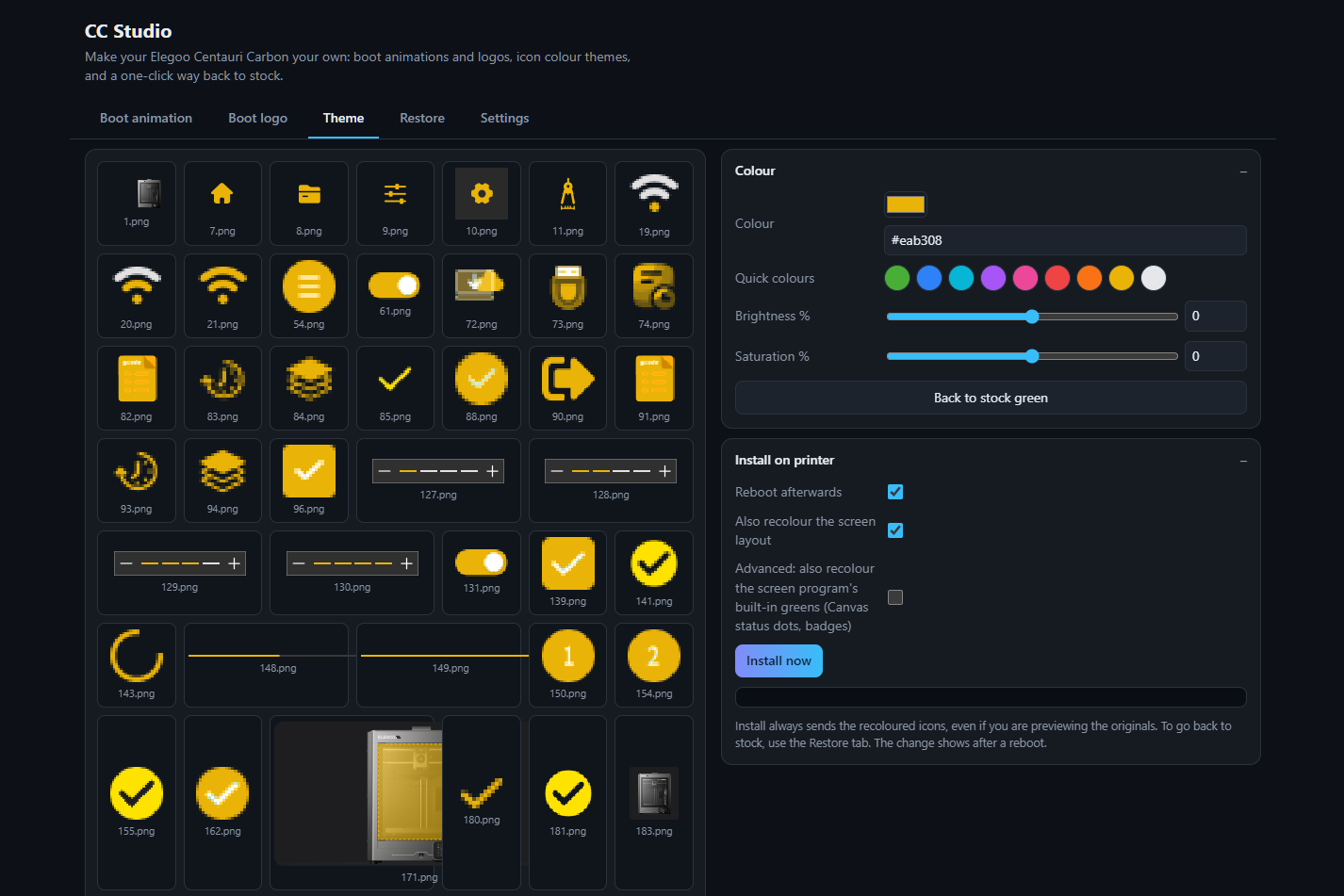
The stock touchscreen is green. Pick any colour and CC Studio shifts every green icon, button and highlight to match, while keeping whites and greys untouched so it still looks clean.


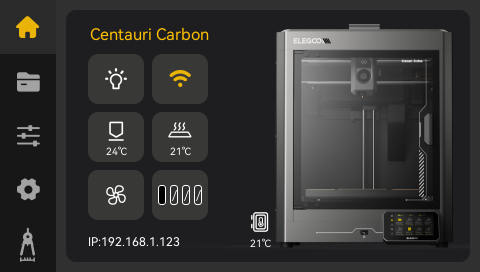
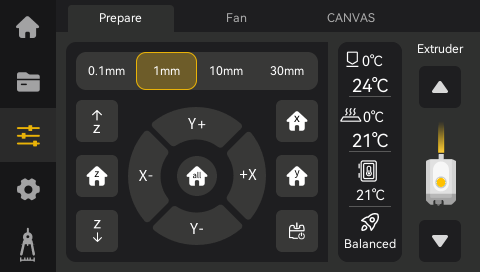
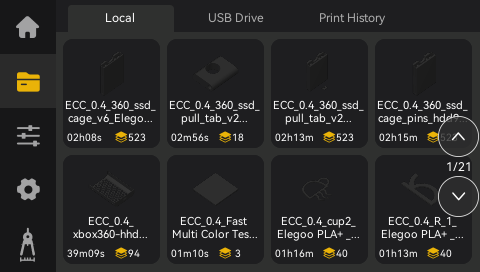
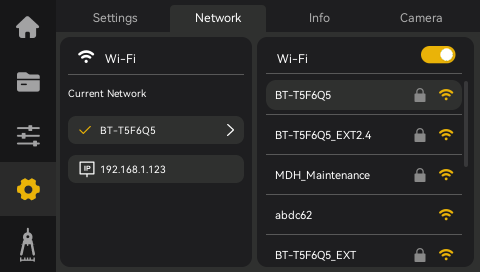
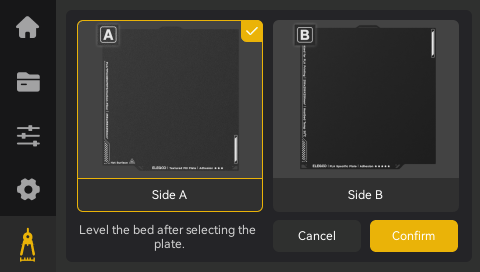
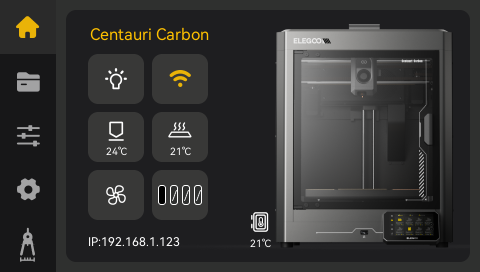
Real screen captures from a Centauri Carbon after a full recolour: home screen and Canvas page.


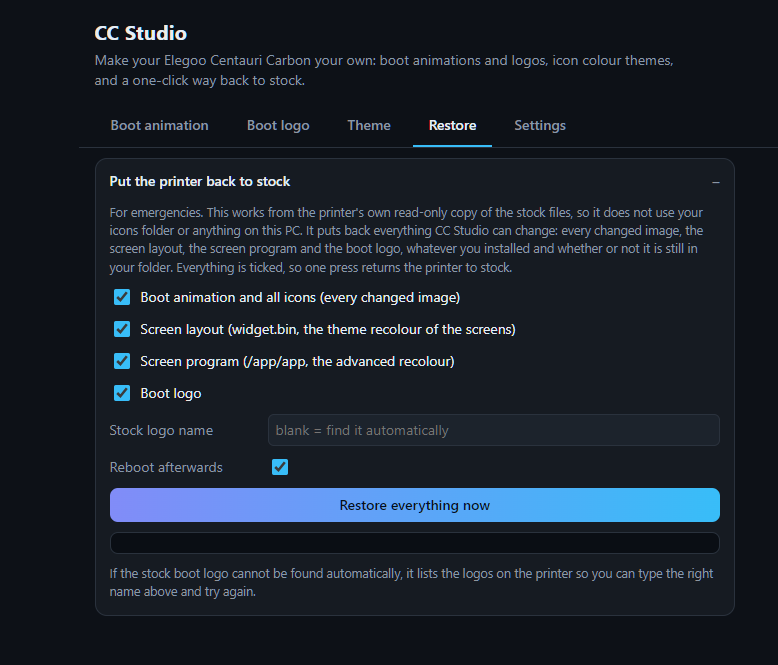
Tick what you want back and press Restore. Each item is compared with the printer's untouched stock copy, so it only changes what you actually changed.


CC Studio never flashes firmware. Stock files live in the printer's read-only layer and your changes sit on top, so removing them returns the stock file. The printer's SSH service runs separately from the touchscreen, so even if a change looks wrong on screen you can still connect and restore it. The risky advanced screen-program patch is off by default and checks the file's fingerprint first, skipping itself if it isn't the exact stock version.
Quick answers.
The Elegoo Centauri Carbon running OpenCentauri firmware.
CC Studio was built and tested on one Centauri Carbon running OpenCentauri. The Canvas page is part of the printer's own screen files, so it is recoloured whether or not you have a Canvas unit. The screen layout and screen program recolours only apply when the printer's file exactly matches the stock version they were made for; on a different firmware version those parts are skipped safely. The icon recolour, boot animation, boot logo and Restore tab don't depend on that, so you may get a partial recolour on other versions.
The download is a Windows app (Windows 10/11).
No. Unzip the folder and run CC Studio.exe. Your PC and the printer just need to be on the same network.
Yes. Open the Restore tab, tick what you want back and press Restore.
Yes. It is a community project, not affiliated with Elegoo or OpenCentauri. Use at your own risk.
Change it in the Settings tab to match your printer.
Free for Windows. Unzip, run, and give your printer a new look.
Download for Windows